



How it works
-
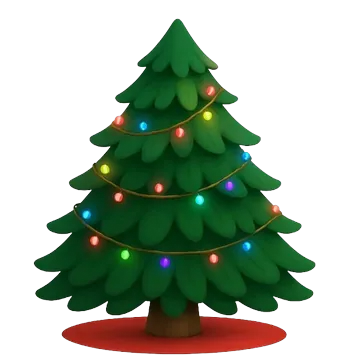 Make your tree
Christmas, birthday or Valentine’s
Make your tree
Christmas, birthday or Valentine’s
-
 Share your link
Story, WhatsApp or bio
Share your link
Story, WhatsApp or bio
-
 Friends hang gifts
The notes open on your day
Friends hang gifts
The notes open on your day
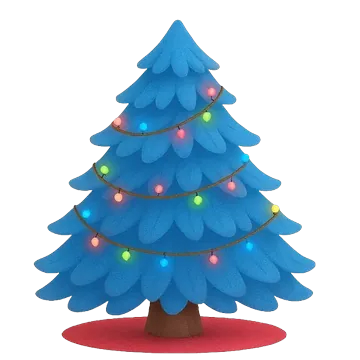
Pick your tree



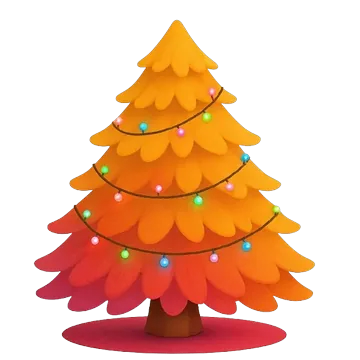

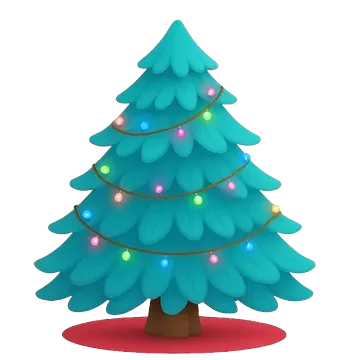
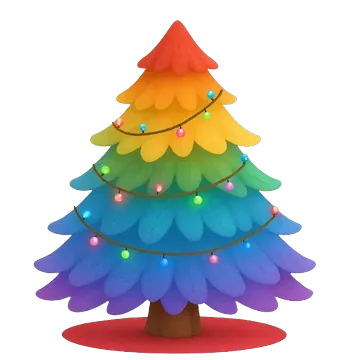
Friends hang the gifts
97 gifts · all free from the web
-

merry christmas bestie 🎄
from emma
-

so proud of you ❤️
from mom
-

next trip is on me ✈️
from alex




Opens on Christmas Day
–days left
🔒 only you can read the notes
Your turn
Questions
What is decomytree.link?
decomytree.link is the official website of My Tree. Every tree has its own link, like decomytree.link/send-message?tree=ABCD2345. Only have the 8-character code? Type it in the box at the top of this page.
What is Deco My Tree?
Deco My Tree is a holiday trend: you create a virtual Christmas tree, share its link, and friends decorate it with gifts that hide messages. My Tree brings the idea to your browser: make your tree in a minute, and friends leave messages from any phone or computer. Read the full guide.
Can I make a birthday or Valentine’s tree?
Yes. Besides Christmas trees, you can make a birthday tree that opens on your birthday or a Valentine’s tree that opens on February 14. Friends send gifts the same way.
Is My Tree free?
Yes. Creating a tree, sharing it and receiving messages is free, and every gift is free to send.
Do my friends need to download the app?
No. Friends open your link (or enter your tree code at decomytree.link/send-message), pick a gift, write a message and send it from any phone or computer.
When can I read my messages?
Gifts stay wrapped until your tree’s day: December 25 for a Christmas tree, February 14 for a Valentine’s tree and your birthday for a birthday tree. Until then you can watch them pile up. See how many days are left until Christmas.
How do I log in to MyTree?
There’s no login. Your tree is saved in your browser, and your private link opens it on any other phone or computer. Friends only need your link or tree code. No account, email or password.
Can I see who sent a message?
Yes, always. Every message comes with the name its sender typed, even when they chose to hide it from other visitors. Names aren’t verified, so anyone can type any name.
Do I need to download an app?
No. My Tree works in the browser on any phone or computer, including iPhone. An Android app is coming soon.