
Deco My Tree World
Christmas trees from all over the world, on one map. Visit theirs, then add yours.
Free · In your browser · Nothing to install
How it works
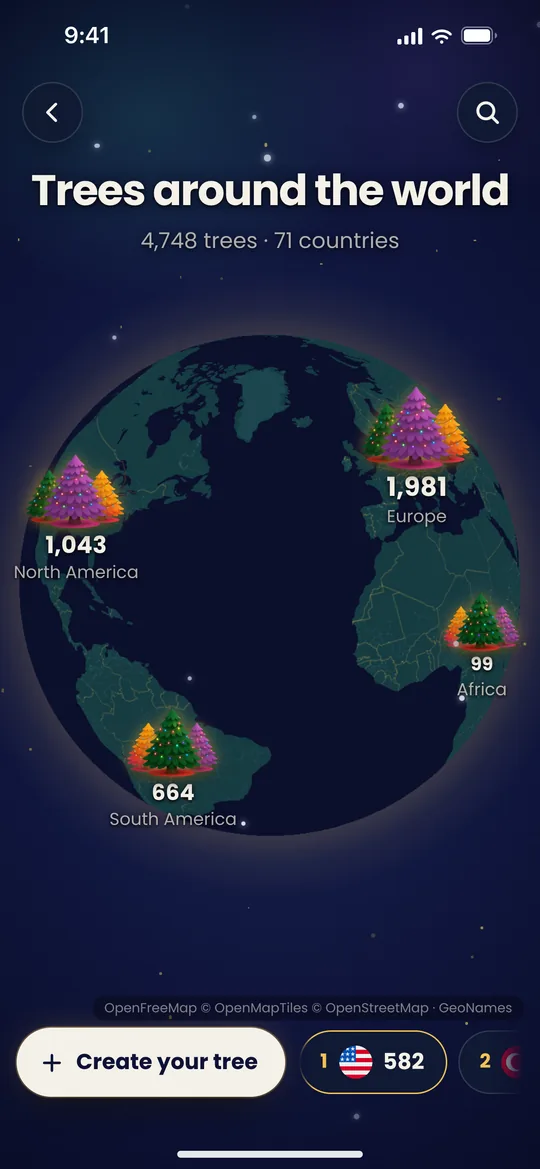
- The whole worldEach continent is a forest with its number of trees.
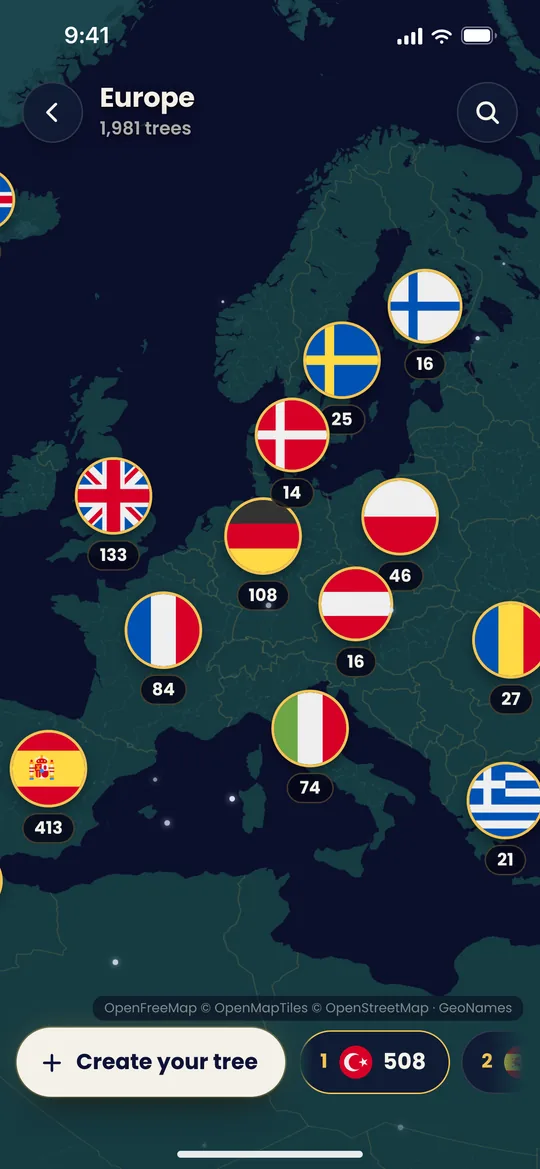 Country by countryZoom in and every country turns into a flag with its count.
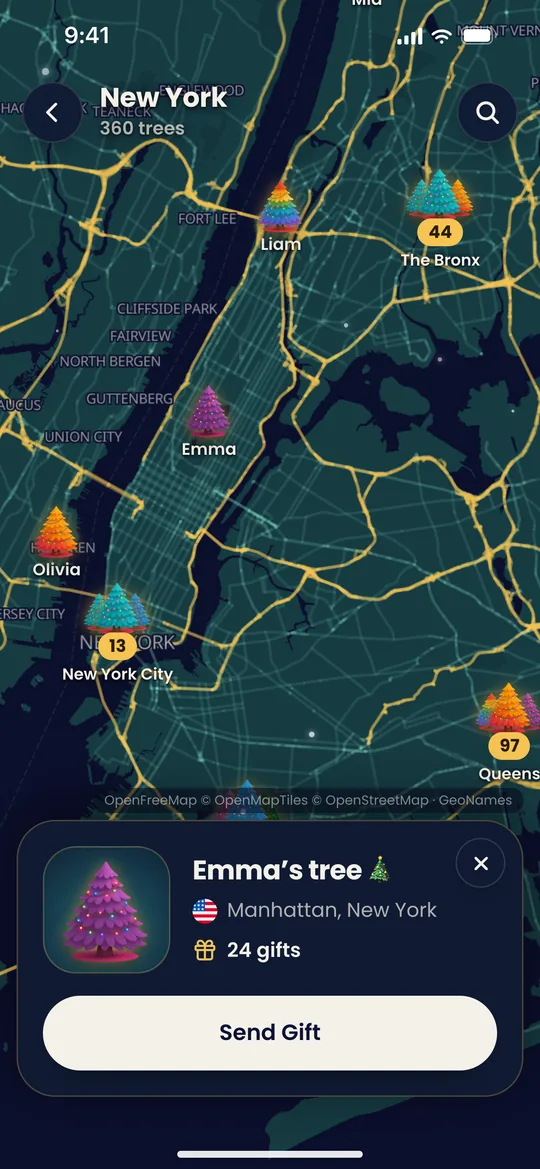
- Trees with namesTap a tree to see whose it is, then send it a gift.
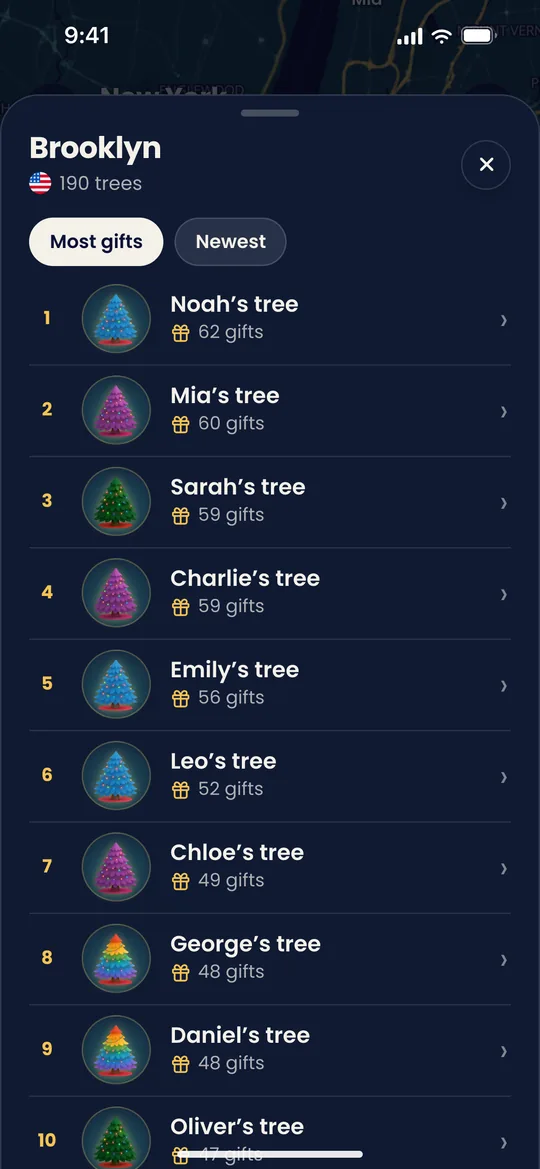 Busy districtsA crowded district opens a list: most gifts or newest first.
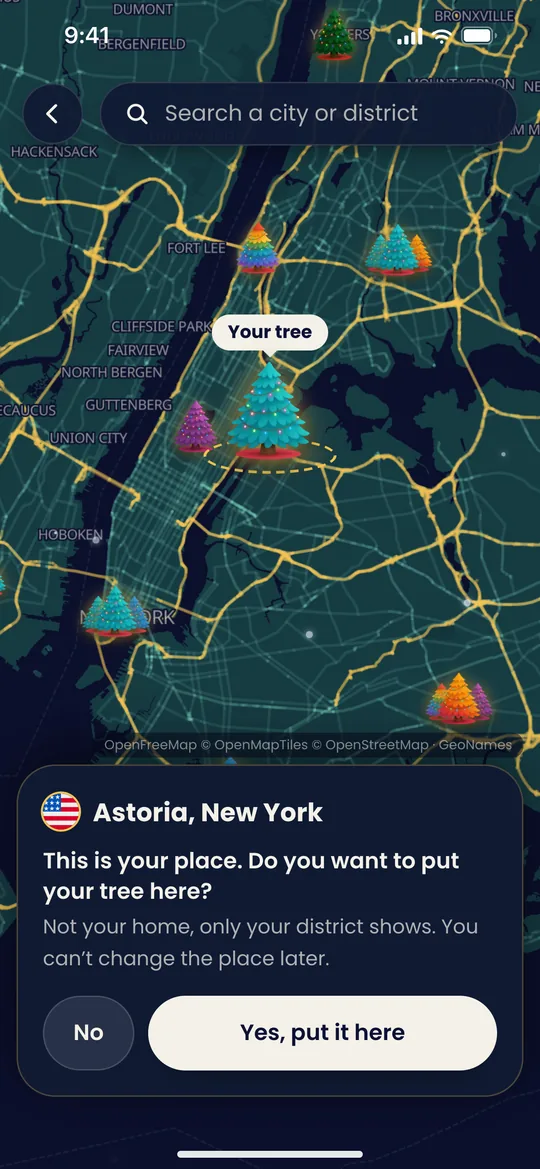
- Add your treePick your town or district. Your home never shows.
Only your district shows
- The map shows your town or district, never your address. The exact spot isn’t kept.
- Your tree goes on the map only if you add it.
- Messages stay private. The map shows a tree’s name, place and gift count.
- The place is set once, but you can take your tree off the map at any time.
Deco My Tree World app
Nothing to download: Deco My Tree World opens in any browser, on Android, iPhone or a computer. The Deco My Tree app for Android is on Google Play, and the iPhone app is coming soon.

Questions
What is Deco My Tree World?
Deco My Tree World is a free map of the trees made on Deco My Tree. Zoomed out, you see how many trees each continent and country has; closer in, you see the trees in each town and district, and you can send any of them a gift with a message.
Is there a Deco My Tree World app?
You don’t need one. Deco My Tree World opens in any browser at decomytree.link/map, on Android, iPhone and computers. The Deco My Tree app for Android is free on Google Play, and the iPhone app is coming soon.
Does the map show my address?
No. Only your town or district shows, never your street or your home, and the exact spot you pick isn’t stored.
How do I add my tree to the map?
Open the map, tap Add your tree, type your town or district, use your location or pick it on the map, then hold your tree and drag it to your district. When you let go, tap Yes, put it here. You need a tree first: create one for free.
Can I move my tree to another place later?
No, a tree’s place is set once. You can hide it from the map at any time, from its card on the map or from your tree’s settings.
Can people read my messages on the map?
No. Only you read your messages. The map shows your tree’s name, its town or district and how many gifts it has.
Is Deco My Tree World free?
Looking around the map and sending gifts from the web are free. Putting your own tree on it comes with Deco My Tree Pro, a one-time purchase. Christmas, birthday and Valentine’s trees can all be on it.
Who can put a tree on the map?
Any tree owner who doesn’t need a parent’s supervision. Supervised teen accounts can’t add their tree to the map.