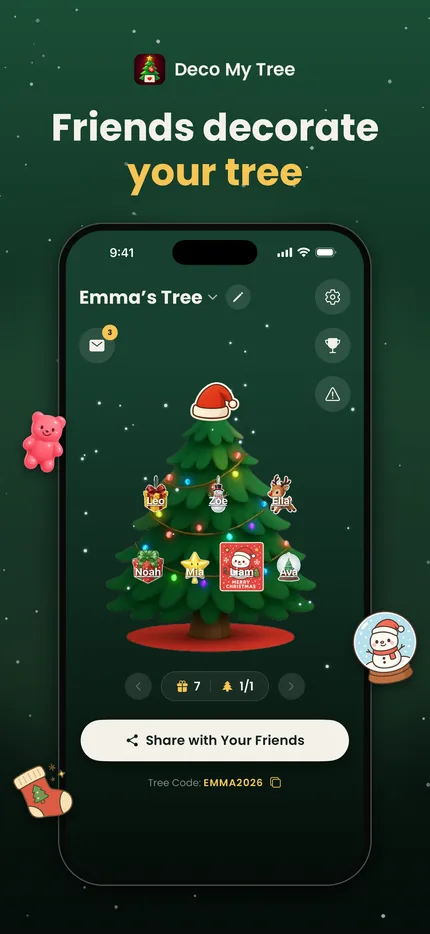
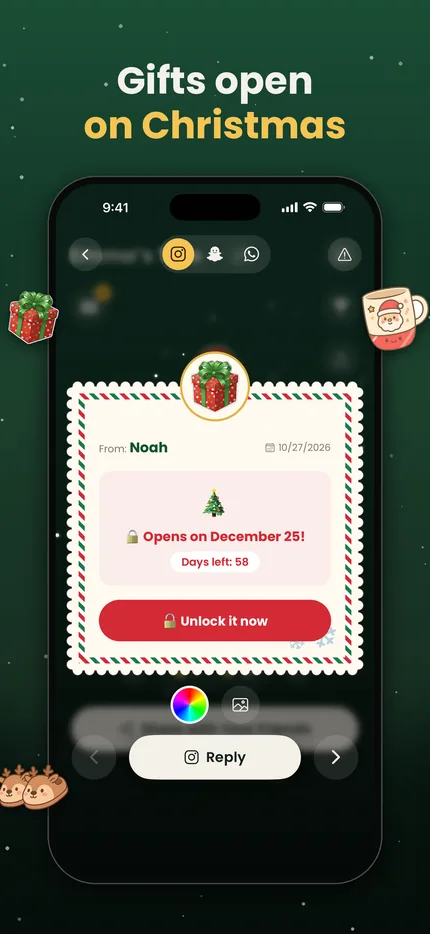
The Christmas tree your friends decorate. Make yours, share the link, and everyone hangs a gift with a message on it. You open them all on Christmas Day.
Google Play calls the app My Tree. On the web it’s Deco My Tree: the same app, the same tree and the same login.
What is My Tree?
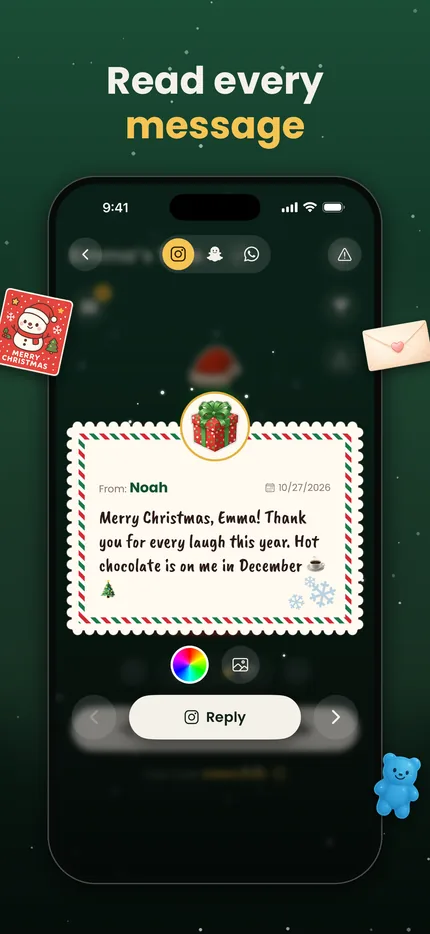
My Tree is a free online Christmas tree that your friends decorate for you. You make a tree, share its link, and friends hang gifts on it, each with a message inside. The gifts stay wrapped until December 25, then you read them all.
It’s the app Google Play lists as My Tree: Christmas Decoration, and it’s the same as Deco My Tree at decomytree.link. Your friends don’t need the app: your link opens in any browser.
One app, three names
Google PlayMy TreeAndroid
App StoreMy Christmas Decoration: TreeiPhone and iPad
Websitedecomytree.linkAny browser, no app needed
How does My Tree work?
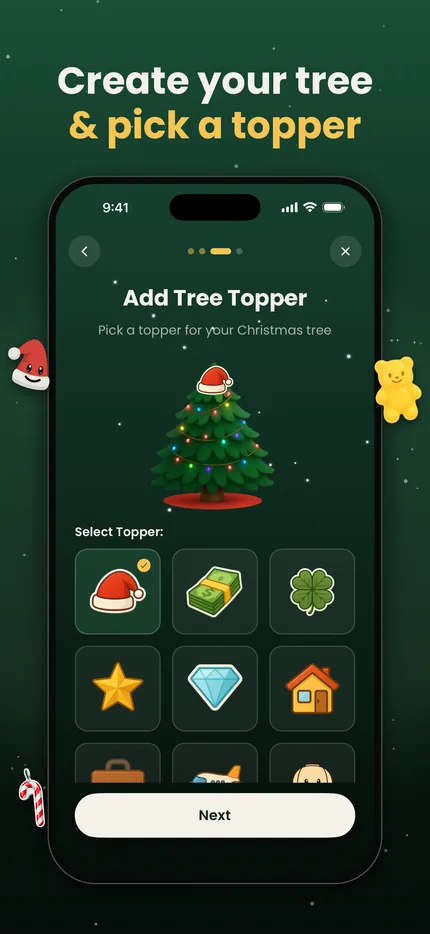
Make your tree
Pick a tree and a topper and give it your name. It takes a minute and it’s free.
Share Your Tree
decomytree.link/send-message?tree=ABCD2345
Copy Link
Instagram story · WhatsApp · TikTok bio
Share your link
Post it to your story, a group chat or your bio. Friends open it in any browser and hang a gift with a message.
Open them on Christmas Day
Every gift stays wrapped until December 25. Then you read who sent what.
Where is my My Tree app link?
Every tree has its own link. It always starts with decomytree.link/send-message?tree= and ends with your 8-character tree code:
decomytree.link/send-message?tree=ABCD2345
In the app: open your tree and tap Share with Your Friends; your Tree Code is right under it. On the web: sign in at decomytree.link/create-tree, open your tree, tap Share Your Tree, then Copy Link.
Go to decomytree.link/create-tree or tap Sign in next to “Already have a tree?” on the home page. Use Google, Apple, or the email and password you picked. The app and the website share one login.
Only you read the messages on your tree. Anyone else who opens your link sees the tree and how many gifts it has, nothing more. You can report a message, block its sender and delete it.
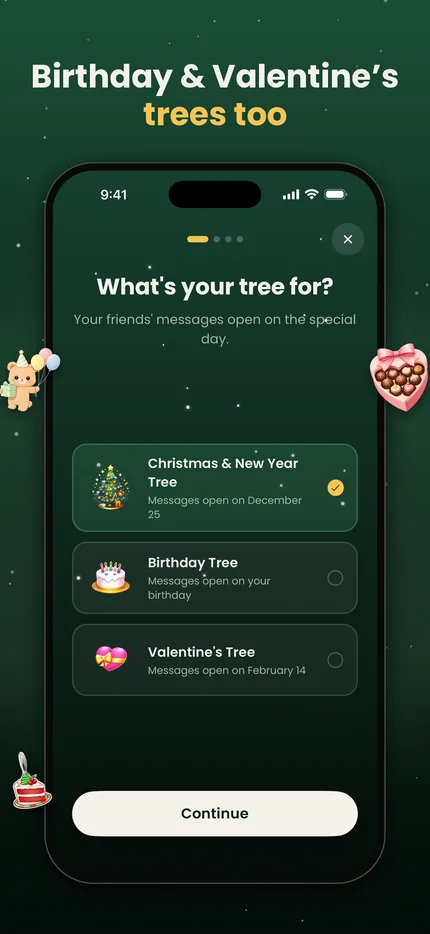
On December 25 for a Christmas tree. A birthday tree opens on the birthday you pick and a Valentine’s tree on February 14. Until then you watch the gifts pile up.
Looking for the My Tree app link? Here it is: free for iPhone on the App Store and for Android on Google Play. Sign in with the same email and your tree is there, with a notification when a gift arrives.
Yes. My Tree is the name of the Android app on Google Play; the website decomytree.link and the app inside call it Deco My Tree. In the US App Store it’s listed as My Christmas Decoration: Tree. It’s one app with one login.
Is My Tree free?
Yes. Making a tree, sharing it, sending messages and opening yours on the day are free. Extras, such as no ads or reading messages before the day, are paid.
Do my friends need the My Tree app?
No. They open your link in any browser, pick a gift and write a message, with no app and no account.
Can I see who sent a message?
You see the sender’s name, unless they turned on Hide my name: then it arrives as “🔒 Secret”.
Is there My Tree for iPhone?
Yes: it’s free on the App Store for iPhone and iPad. You can also make your tree in Safari at decomytree.link, no install needed.
Where is my tree from last year?
Trees are cleared after each season, so last year’s tree may be gone. Make a new one in a minute; you can use the same email.
What happened to mytreeapp.link?
MyTree App (mytreeapp.link) is now Deco My Tree at decomytree.link: the same Christmas tree app at a new address. Old My Tree app links that start with mytreeapp.link no longer open, so ask your friend for their new one: every new tree link starts with decomytree.link.